1. Introduction
The Global Submission Portal is a unified platform that allows manufacturers and regulatory teams to submit compliance-relevant datasets directly to authorities worldwide. It integrates multiple submission workflows into a single, user-friendly interface.
The portal currently supports:
- FDA eMDR Submission – USA Electronic Medical Device Reporting
- FDA UDI Submission – USA Medical Device Regulation
- EUDAMED UDI Submission – EU Medical Device Regulation
Each module lets users upload an Excel file containing the required data. Once uploaded, the system validates and transmits the data automatically. Files may be deleted until the status changes to Processing.
Status values:
- Uploaded – waiting for processing
- Processing – validation and authority submission running
- Success – fully accepted
- Failed – validation or submission failed
After processing, all files become available for download. Failed submissions include error details and authority response files (e.g., FDA ACK2).
All data remains available for 6 months before automatic deletion. Download important files in time.
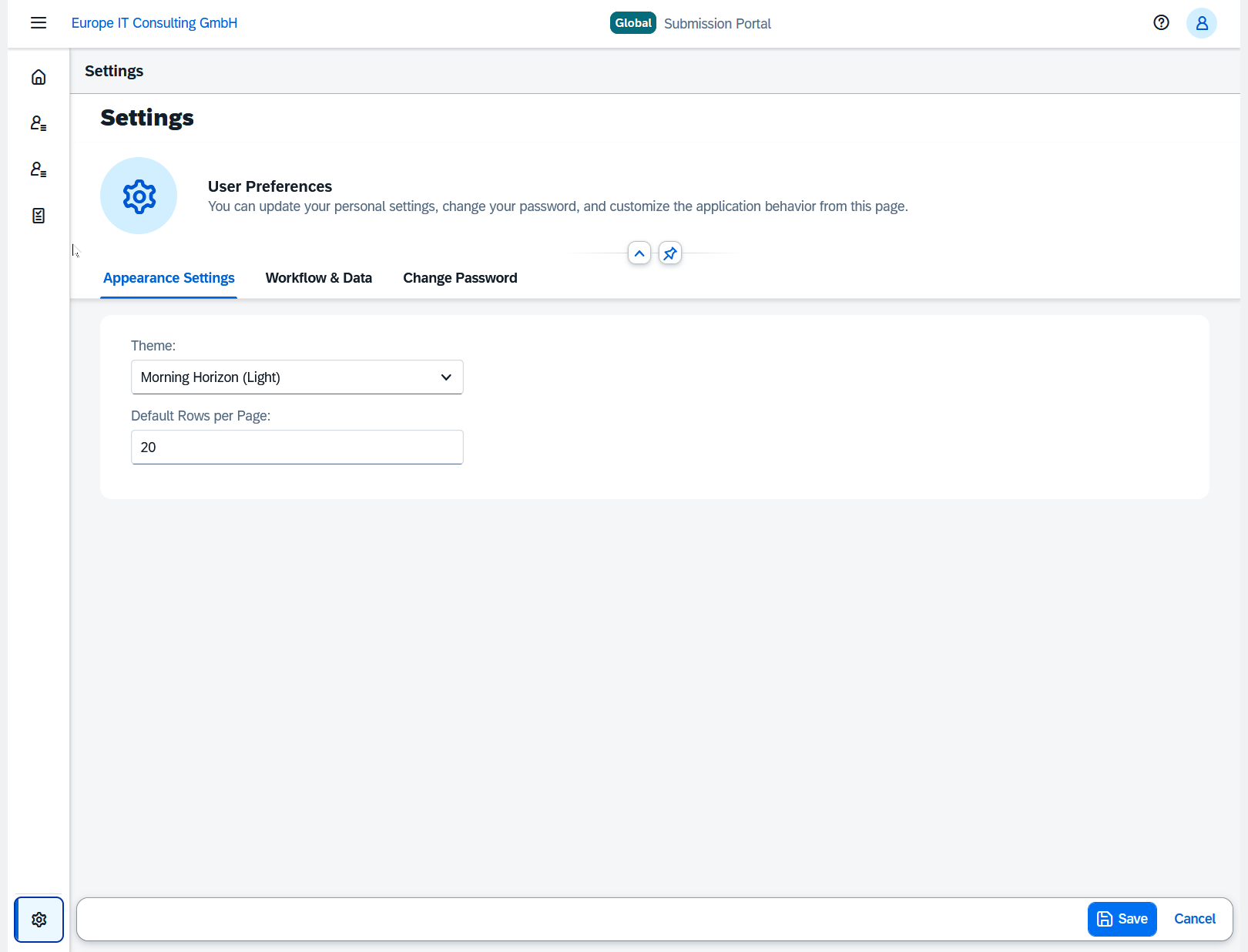
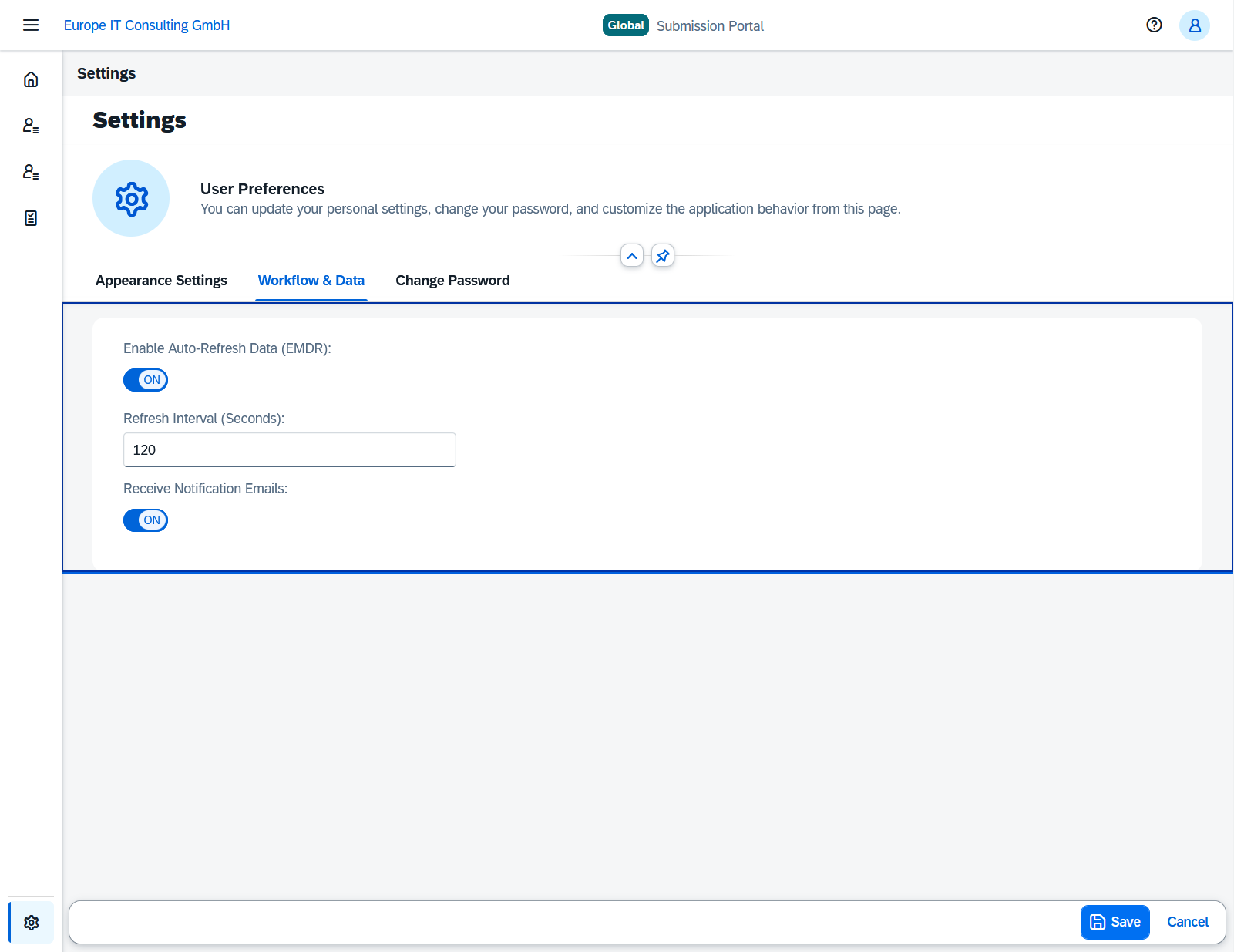
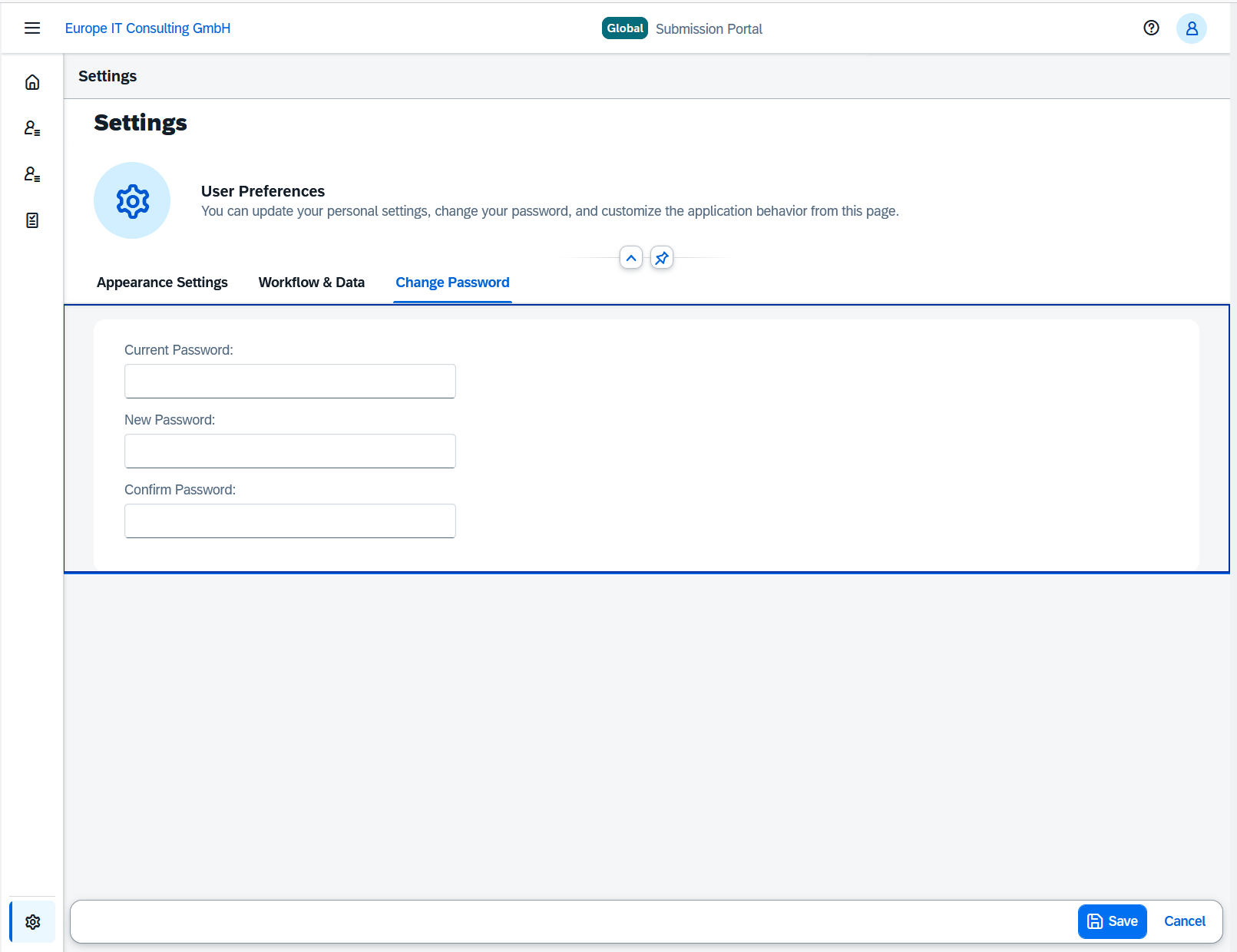
The Settings page allows users to configure notifications, workflow preferences, appearance, and password management (including “Forgot Password”).
2. Usage
2.0 Login
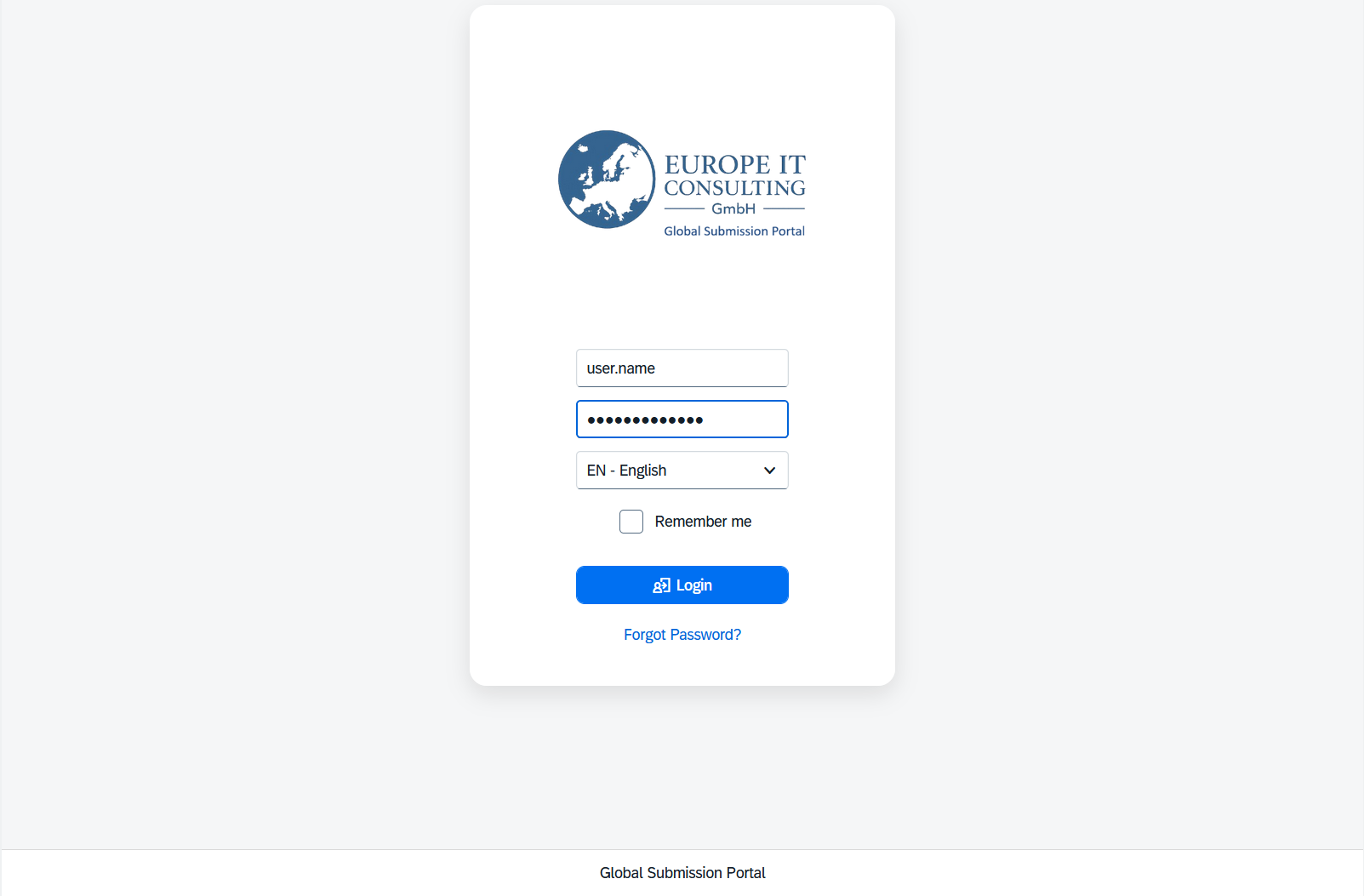
Access to the Global Submission Portal requires a username, password, and language selection. Optionally, the “Remember me” checkbox stores login preference for future sessions.
2.1 Forgot Password
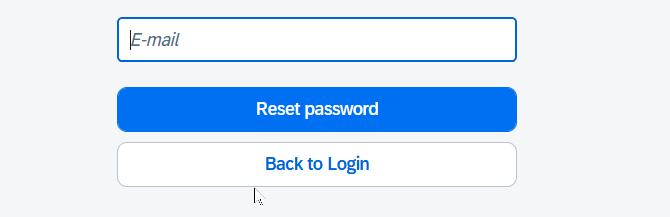
If the user forgets their password, the “Forgot Password?” link redirects to the reset screen, where the registered email address must be entered. A reset link is then sent automatically.
2.2 Home Screen
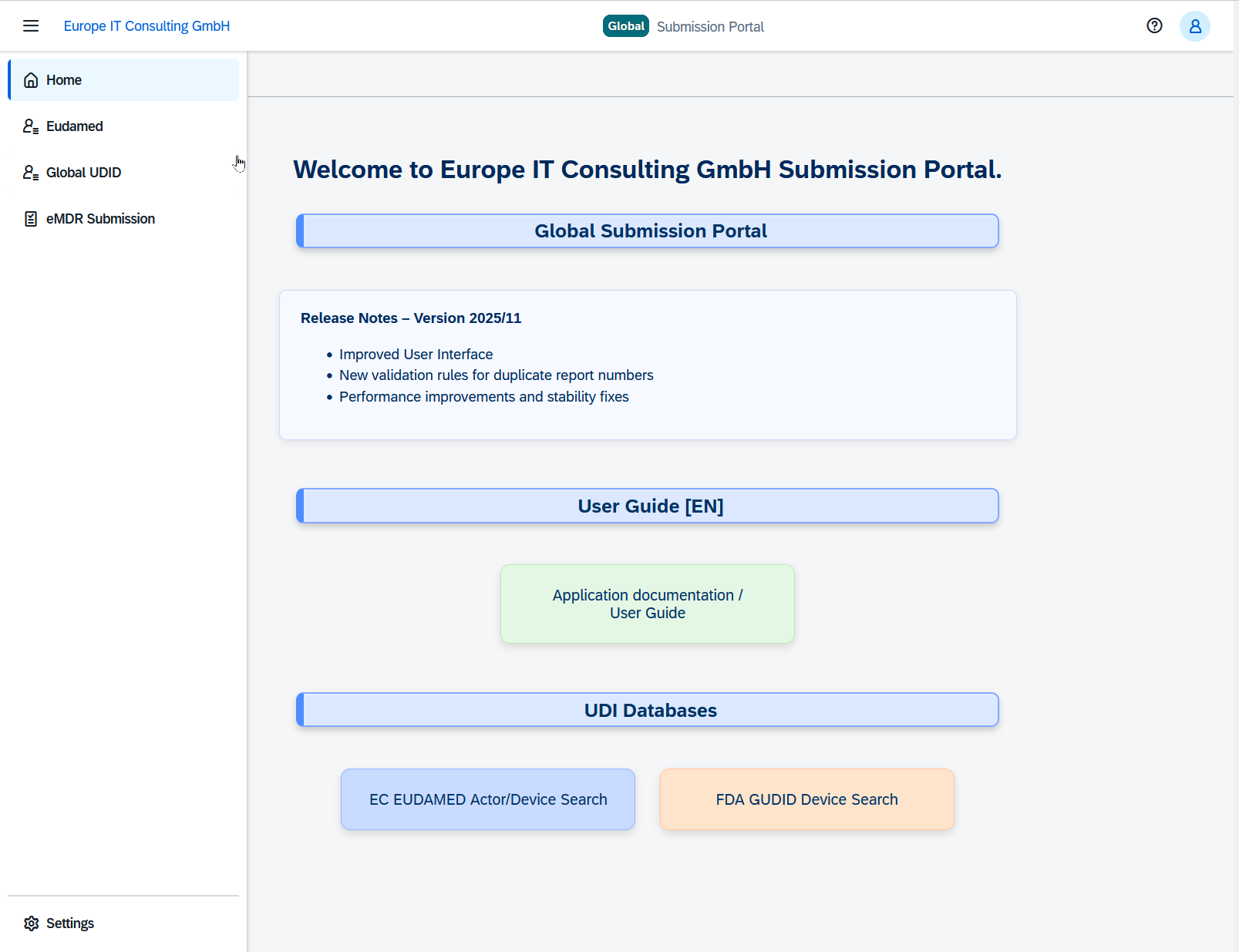
After login, the Home screen provides access to the submission modules, release notes, documentation link, and UDI database search shortcuts.
2.3 eMDR Submission
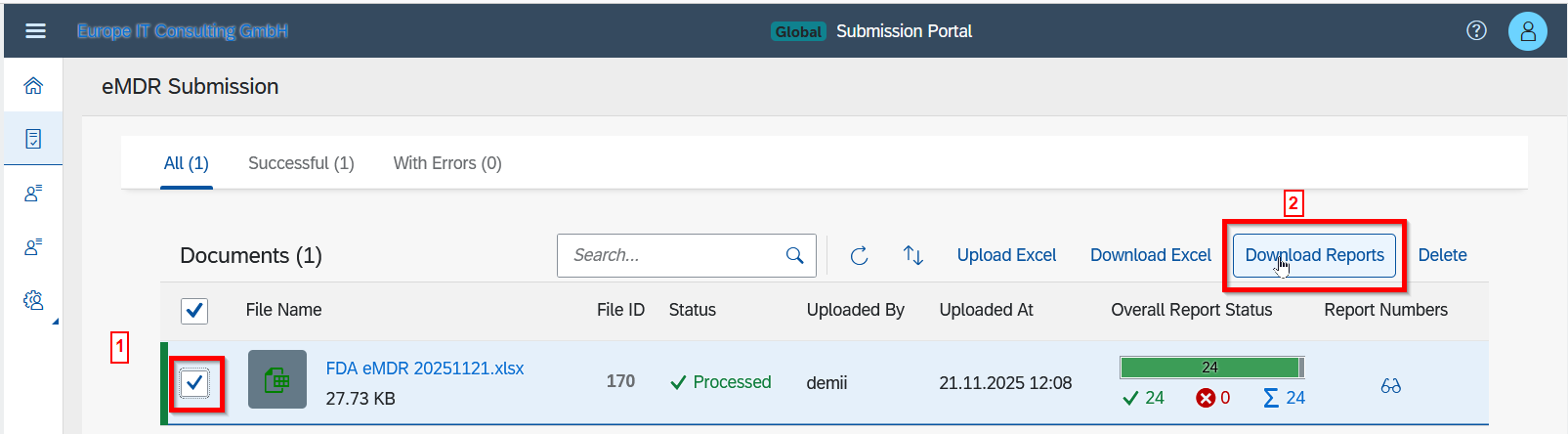
Upload eMDR Excel files, monitor processing, view status, and download the authority responses.
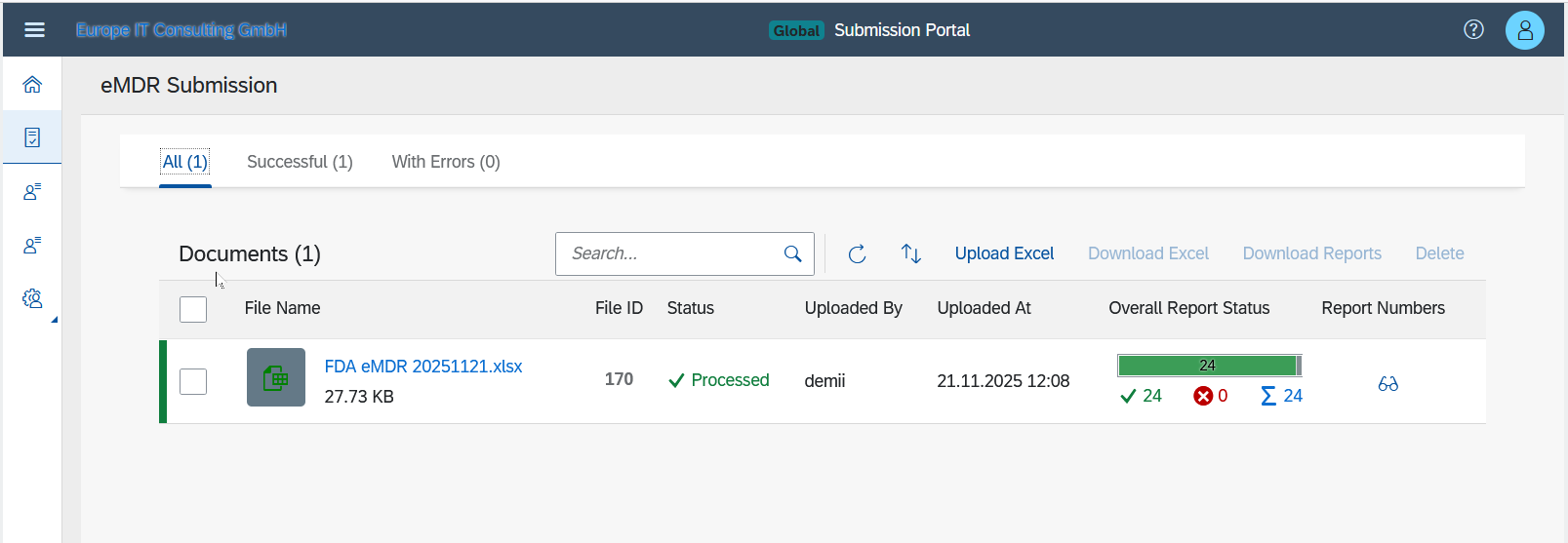
An uploaded file remains deletable until processing begins. Once processing starts, the deletion button becomes disabled.
2.4 Viewing Reports
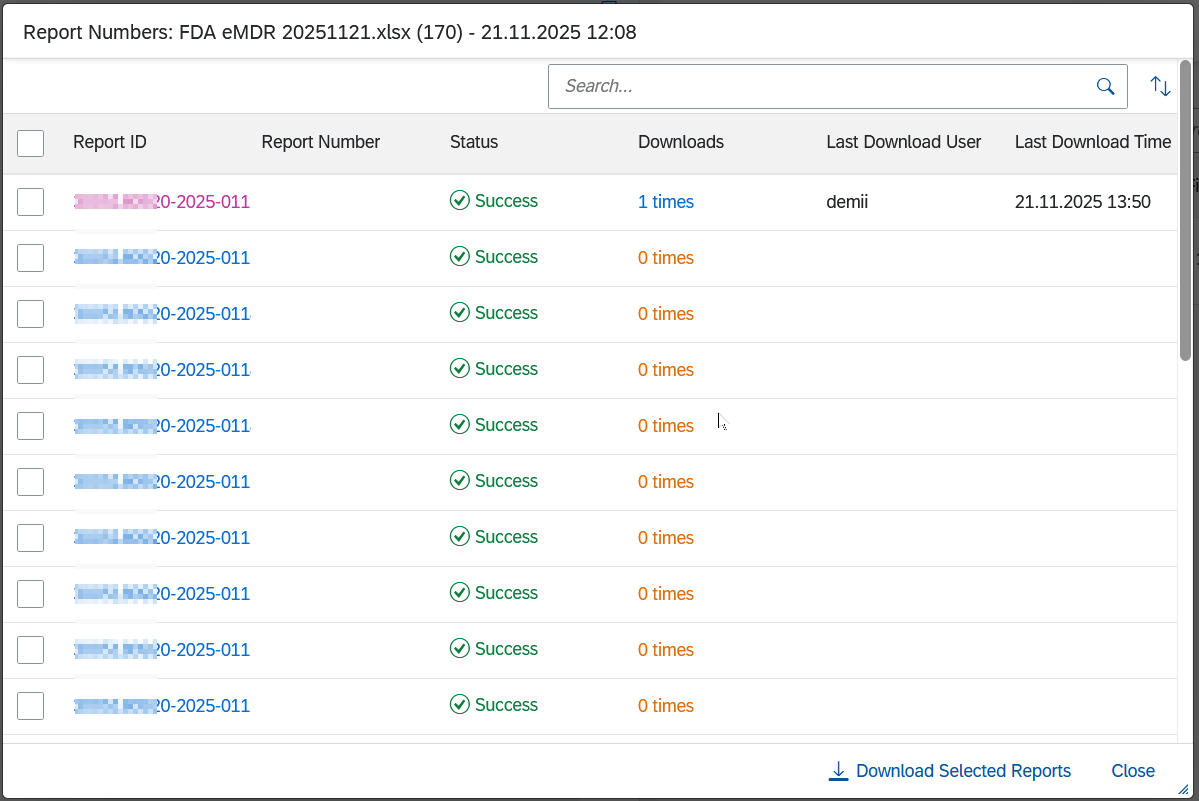
You can download either:
- All associated files in one ZIP package
- Individual report numbers
2.5 Validation Errors
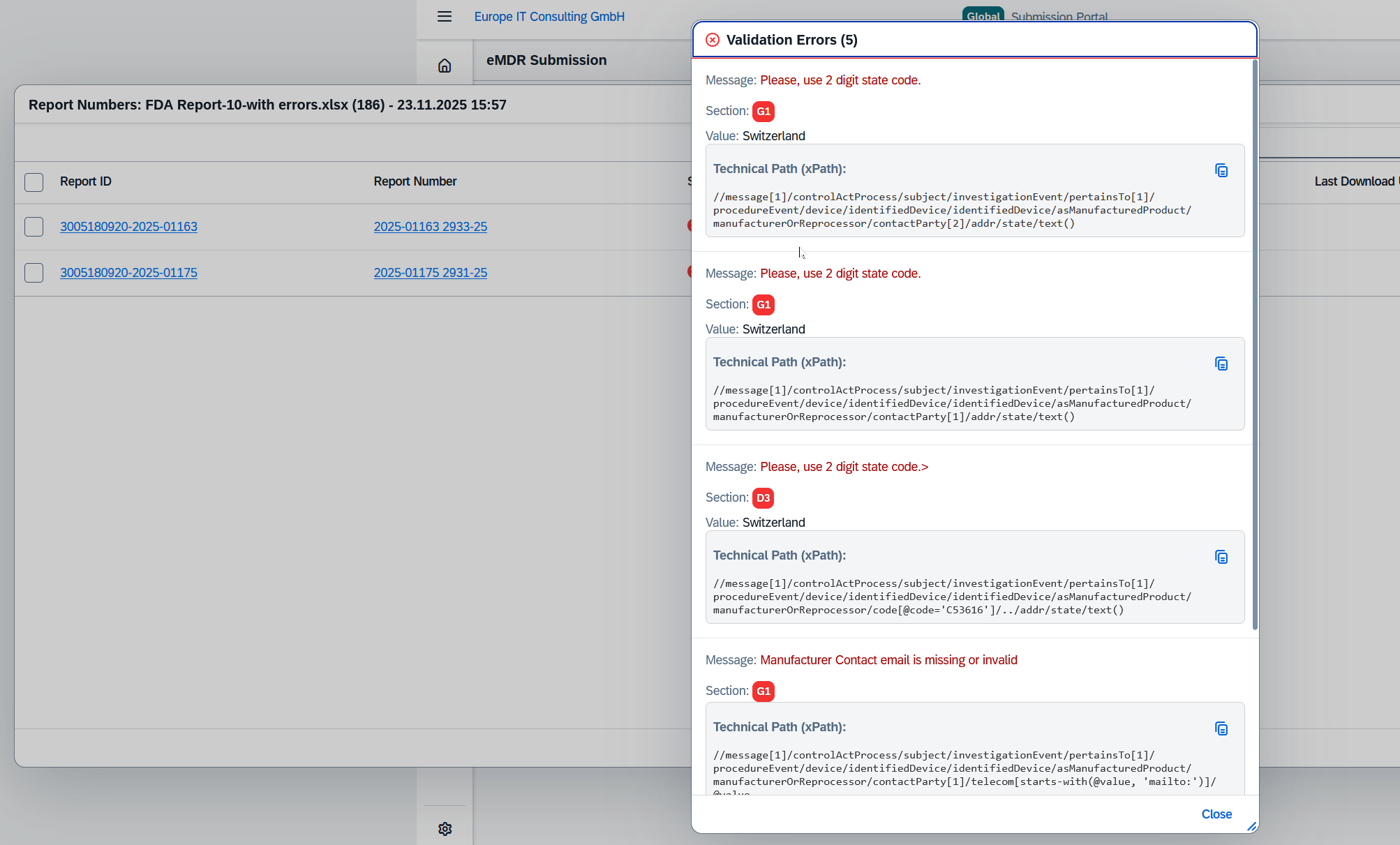
Failed submissions display detailed validation errors including section, XPath, and the specific authority message.
2.6 Settings
The Settings section allows modification of appearance, workflow behavior, email notifications, and password change.
3. Support
For assistance, please contact our support team:
Email: support@europe-it-consulting.ch
Phone: +41 61 508 73 34
Our support team will assist with technical issues, submission problems, access rights, configuration, and general usage questions.
4. Additional Information
The Global Submission Portal is continuously updated to support new regulatory requirements. Release notes and new features are announced directly in the platform.
The system follows strict security standards, including encrypted transmission and data isolation per customer.